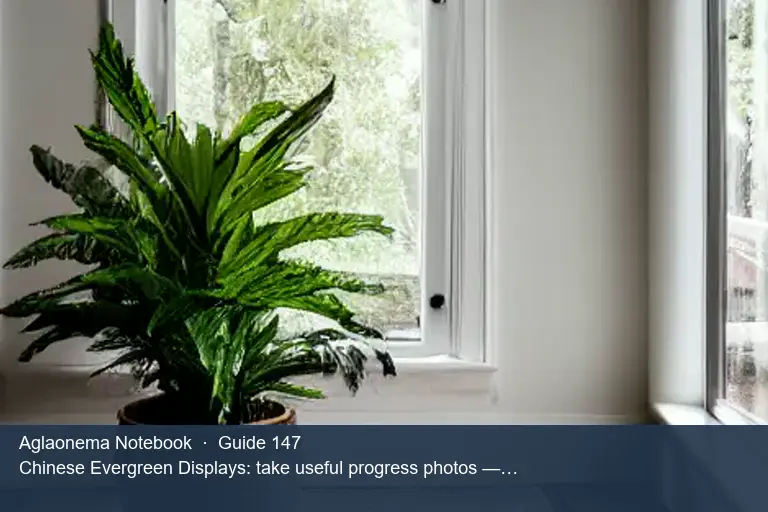
Chinese Evergreen Displays: take useful progress photos — compact plan for a short care session; setup with paper records
Chinese evergreen displays are a popular choice for those seeking practical help with their daily care activities. These displays are typically made of paper and are designed to promote longevity and health. The following steps and tips should help you take useful progress photos for your Chinese evergreen displays:
- Choose the right display: Select a display that is both durable and suitable for your needs. Look for options with a clear display, a compact design, and a simple plan for easy care. The display should also be able to capture clear photos without compromising on durability.
- Plan your care session: Before taking photos, plan your care session. Think about what activities you want to include, such as reading, writing, or cleaning. Plan what items you want to include in the photos, such as plants or paper records. Consider what kind of background you want to include, such as natural scenery or a specific activity.
- Take photos: Once you have your plan, take photos. Use a camera or a smartphone to capture clear and high-quality photos of your Chinese evergreen display. Focus on capturing the display itself, the items included in the photos, and the background.
- Format the photos: Format the photos to ensure they are clear and high-quality. Use a white background to ensure the photos are not blurry and that the display itself is visible. Consider using a tripod or a stand to ensure the photos are stable and not distorted.
- Save the photos: Save the photos to your computer or a cloud storage service. You can also print the photos directly from the computer to your own paper records, depending on your preference.
- Use the photos: Use the photos to your advantage. Use them as a reference to show the progress of your Chinese evergreen display or as a reference for future care sessions. You can also use them as a reference for future care sessions by printing them directly from your computer or printing them to your own paper records.
- Record the photos: Record the photos to your computer or a cloud storage service. You can also record the photos to your computer or a cloud storage service to print the photos directly from your computer or printing them to your own paper records.
- Use the photos to promote: Use the photos to promote your Chinese evergreen display. Use them to promote the health benefits of your display, such as the display's ability to promote longevity and health.
- Consider the future: Consider the future of your Chinese evergreen display. Consider what activities you want to include in the future care session, such as reading, writing, or cleaning.
- Adjust the plan: Adjust the plan to your needs.
- Finalize the plan: Finalize the plan to your needs.
- Print the photos: Print the photos directly from your computer or printing them to your own paper records, depending on your preference.
13.
- Consider the future: Consider the future of your Chinese evergreen display.
- Adjust the plan: Adjust the plan to your needs.
Use this guide