Chinese Evergreen Displays: match plant labels to your notes — resource budget for a short care session; setup with paper records
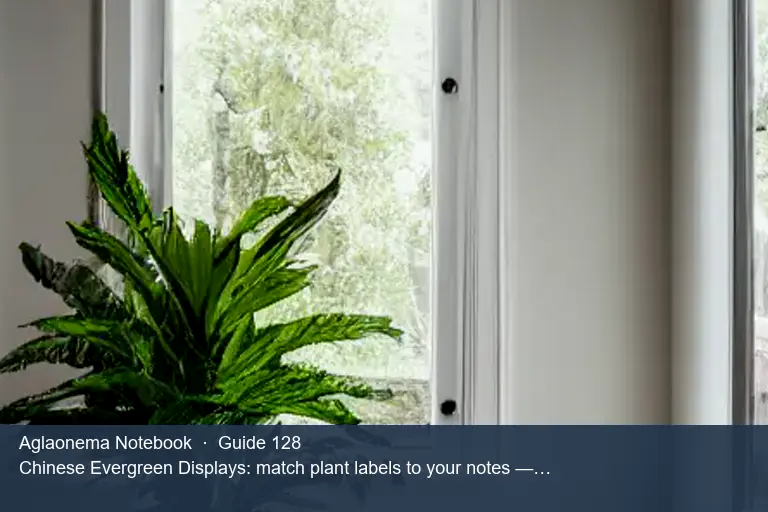
Evergreen displays are a popular and versatile method for keeping plants in a small space, as they can thrive in low light conditions, offer natural color, and are easy to care for. In Chinese evergreen displays, plants are typically grown in a light and nutrient-rich medium, often using paper-based records to keep track of plant labels and notes. Paper records are simple and practical, allowing for quick access to notes and labels and facilitating the easy matching of plant labels to notes.
Setting up a Chinese evergreen display requires some basic skills and resources. The first step is to gather paper records, such as a daily or weekly record of the plants' growth and care. Next, you should find a place to set up your Chinese evergreen display, ideally in a small space with ample natural light. This could be a small window or a corner in a room. Finally, you should have a few plant labels, such as labels for the plants, and a note notebook or pen for keeping notes.
Once the setup is complete, you can begin to match plant labels to notes. The first step is to gather a good variety of plant labels, such as those from different plants and different environments. Once you have a good variety, you can start to match plant labels to notes. This can be done by hand or using a computer program that can compare notes to plant labels. The computer program can also suggest matching notes to labels based on the plant's growth and care.
As with any care plan, it is important to pay attention to the needs of the plants and to adjust the display as needed. Regular maintenance will ensure that the plants are healthy and that the display remains in good condition. In conclusion, a Chinese evergreen display can be a great way to keep plants in a small space and to keep them healthy. With the right resources and a bit of practice, you can match plant labels to notes and care for your Chinese evergreen display.